Updated 27 September 2026 · Originally published 19 June 2024 · By Alex Rivera · Reviewed for CryptosBeginner
Paybis Review 2026: Fees, How to Buy Crypto & Is It Legit?
Paybis is not an exchange. It is a fiat on-ramp: the fastest way to turn your card or bank payment into crypto in your own wallet, running since 2014 across 180-plus countries. The convenience is real, and so is the fee premium. Here is the full breakdown, step by step.
Alex Rivera · Crypto researcher, CryptosBeginner
Every review is research-led: specs, fees, and availability are checked against official sources before publication and re-checked on every update. Affiliate links never influence verdicts. Last reviewed 27 September 2026.
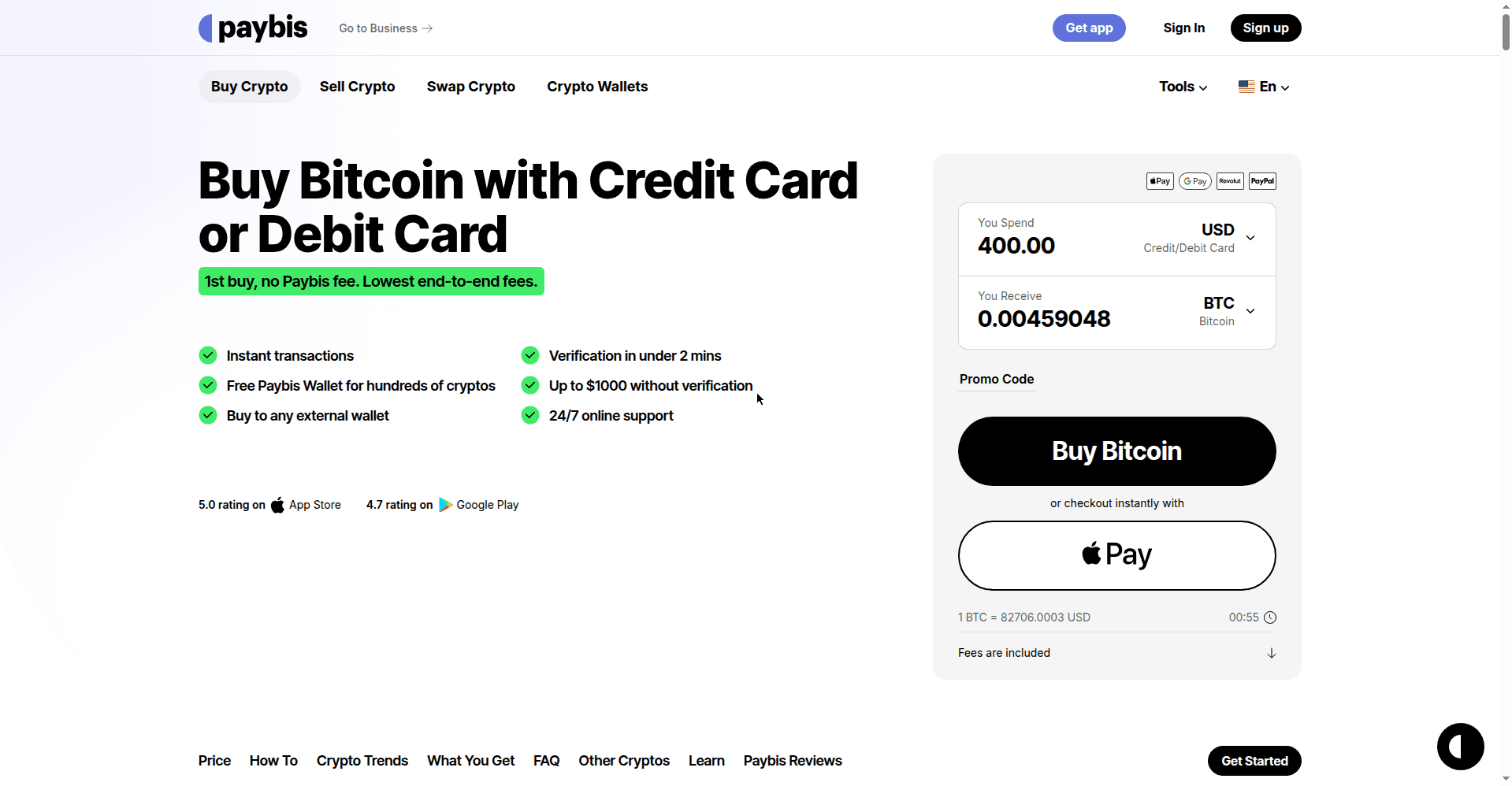
The short version
- A broker, not an exchange. No order books, no trading pairs, no leverage. You buy crypto with fiat, straight to your wallet.
- Fast and simple. Running since 2014, 90-plus cryptos, 20-plus payment methods, 180-plus countries.
- Stacked fees. About 1.49% service fee plus 4.5% to 8.5% card processing. Convenient, not cheap.
- Quick verification. Up to $1,000 without verification in most regions, then a couple of minutes with an ID.
- Regulated. FinCEN in the US, FINTRAC in Canada, MiCA CASP licence in Latvia since May 2026.
- Your wallet, your coins. Crypto goes to your external wallet or a Paybis wallet. No exchange balance to get stuck.
What Paybis is (and is not)
Paybis launched in 2014 in Glasgow, Scotland, founded by Innokenty Isers and Konstantin Vasilenko. Twelve years later it is one of the longest-running crypto on-ramps in the business, and the distinction matters: Paybis is a broker, not an exchange. There are no order books, no limit orders, no crypto-to-crypto trading, and no leverage.
Instead, you pick a coin, pick a payment method, and receive crypto at your wallet address. That is the whole product, and for a first-time buyer who just wants Bitcoin in their own wallet tonight, it is exactly the right shape. You pay for that simplicity in fees, which we will break down honestly below.
Fees, broken down honestly
Paybis does not charge one fee. It stacks two: a service fee of around 1.49% plus a payment processing fee that runs roughly 4.5% to 8.5% on card purchases, with a $10 minimum on card transactions. Bank transfers are cheaper where available: SEPA transfers carry a reduced 0.99% service fee. Put together, a card buy can cost you somewhere in the high single digits in total fees. That is the honest number, and it is a lot compared to the 0.1% you would pay on an exchange.
Two things soften the blow: Paybis waives its service fee entirely on your first card purchase of each cryptocurrency, and bank transfer options are cheaper than cards where available. One honest note on our process: these figures are confirmed from Paybis's own published materials (their site and blog, checked October 2026), since their support fee page sits behind a bot check our systems could not get past. Always check the final quote in the purchase widget before you confirm, because the widget shows you the exact amount of crypto you will receive.
How to sign up and verify
Signing up is quick. Verification is where Paybis is pleasantly reasonable: you can buy up to $1,000 without verification in most regions, which is perfect for a first small purchase, and the full check takes just a couple of minutes when you need it. Two regional exceptions worth knowing: UK users face full KYC with a cooling-off period, and US users need to provide a SSN or ITIN. Paybis states the $1,000 no-verification threshold directly on its own site, so this is their policy, not our guess.
- Go to the Paybis homepage and click Sign up, then enter your email address and create a strong password.
- Check your inbox for the verification code and enter it to activate your account.
- For purchases over $1,000, click Start Verification, choose your country and ID type, and upload clear photos of your ID plus a selfie.
- Verification usually completes in a few minutes, and then your limits open up.
How to buy crypto step by step
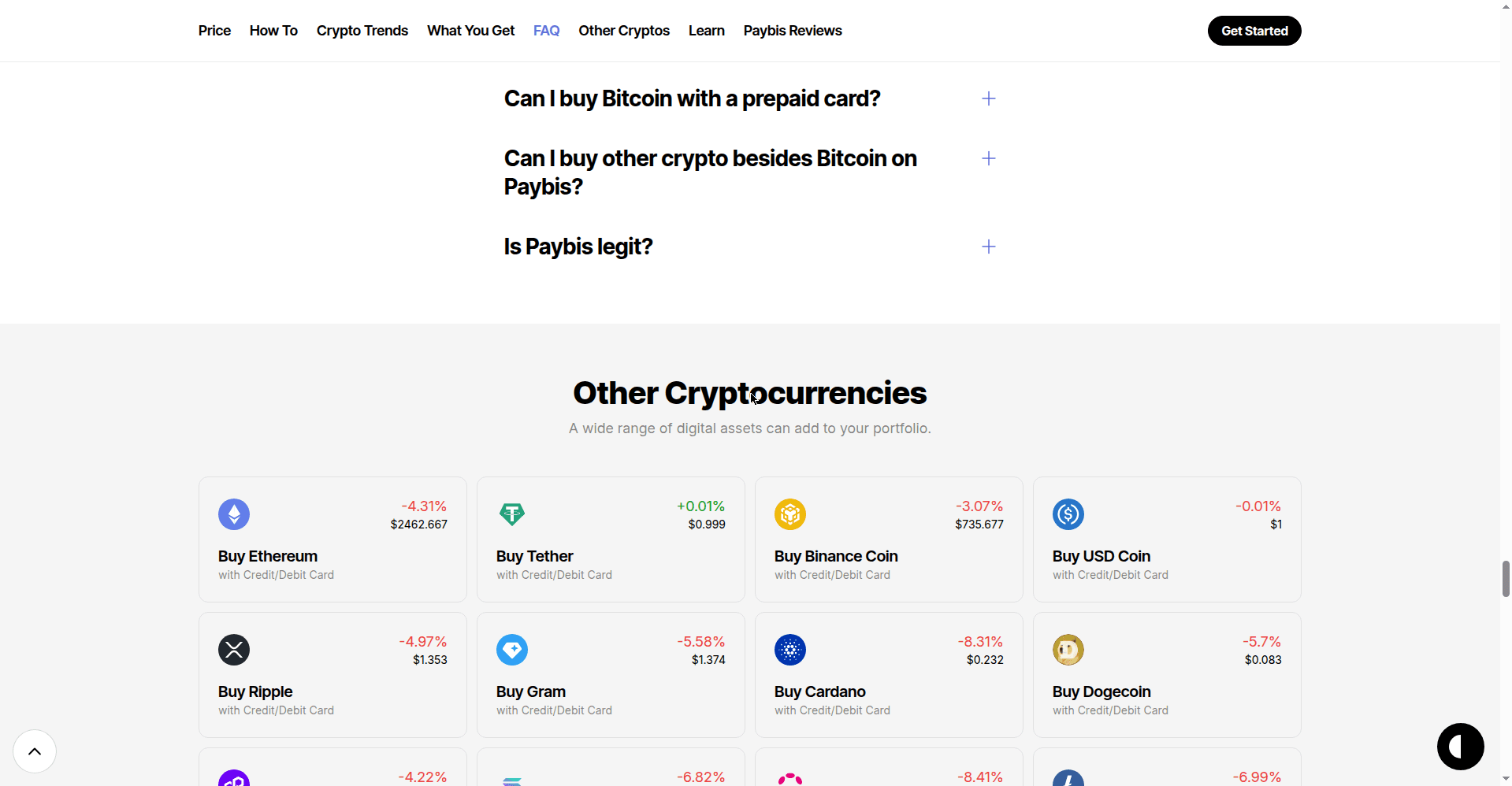
This is where Paybis shines for beginners. The whole purchase happens in one widget on the homepage, and the crypto goes straight to a wallet you control. No trading interface to learn, no order types to get wrong.
- In the homepage widget, choose the cryptocurrency you want, for example Bitcoin or Ethereum.
- Enter how much you want to spend in your currency. The widget shows the live price and exactly how much crypto you will receive, fees included.
- Pick your payment method: credit or debit card, bank transfer, Apple Pay, Google Pay, PayPal, or Skrill, depending on your region.
- Enter the wallet address where you want the crypto sent. Use your own external wallet if you have one, or Paybis can provide one.
- Double-check the amount and the wallet address, then click Buy. The crypto is sent to your wallet, usually within minutes.
The wallet address step deserves emphasis: Paybis sends crypto to an address you provide, it does not hold a trading balance for you by default. Copy your address carefully, and for a first purchase, consider a small test amount.
How to sell and cash out
Paybis works in reverse too. If you hold crypto and want fiat back in your bank account, the sell flow mirrors the buy flow: choose Sell Crypto, pick the coin and amount, select where the money should go, and send your crypto to the address Paybis shows you. Once it arrives, the fiat is released to your payment method. Availability of sell options varies by country, so check what your region supports.
Payment methods and coverage
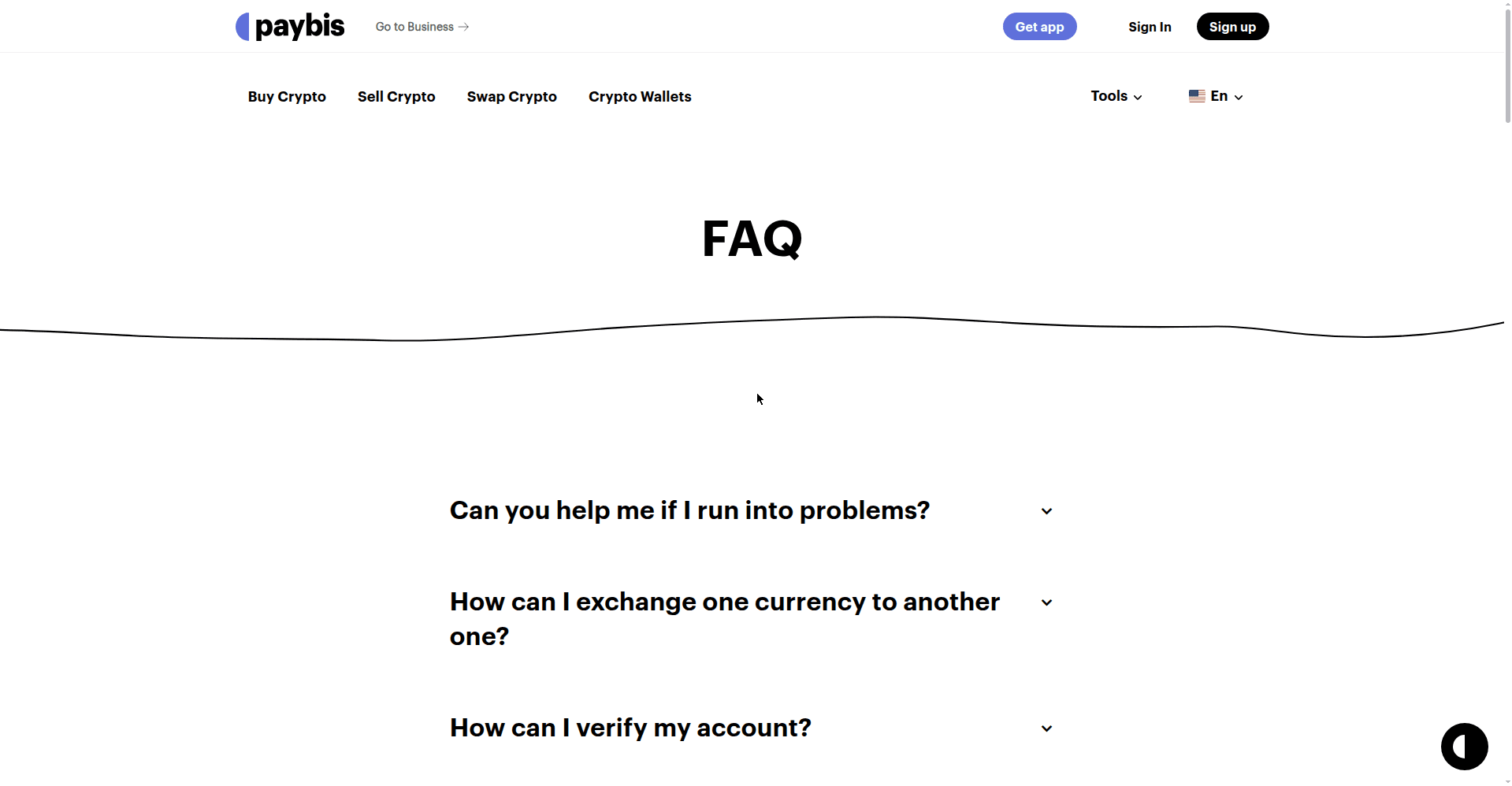
Paybis supports over 20 payment methods, which is one of its genuine advantages: credit and debit cards, SEPA bank transfers, ACH, Apple Pay, Google Pay, PayPal, Skrill, and Neteller, depending on where you live. It operates in over 180 countries with 48-plus fiat currencies, and in the US it serves 48 states excluding New York and Hawaii. If your country has awkward banking rails, Paybis probably has a way in.
Security and regulation
Paybis's regulatory footprint is solid for a broker: registered with FinCEN in the US as a money services business, with FINTRAC in Canada, and holding a MiCA CASP licence in Latvia since May 2026. Verification follows standard KYC, and the platform holds a 4.1 out of 5 Trustpilot rating across more than 31,000 reviews.
The structural safety point is worth making: because Paybis sends crypto to your wallet rather than holding an exchange balance, there is no big honeypot of customer funds sitting on the platform. Your main job is keeping your own wallet secure.
What users say: ratings
Our verdict is our own, but it is worth seeing how other users rate Paybis on public platforms. These are third-party ratings, checked in October 2026, and they move over time.
| Platform | Rating |
|---|---|
| Trustpilot | 4.1 out of 5 (31,000+ reviews) |
| Google Play | 4.7 out of 5 |
| Apple App Store | 5.0 out of 5 |
The Trustpilot score comes from tens of thousands of independent reviews, with users most often praising transaction speed and support responsiveness. The app store scores are as reported on Paybis's own site.
Pros and cons
Pros
- Operating since 2014, long track record
- Dead simple: buy in one widget, no trading UI
- 20+ payment methods, 180+ countries
- Crypto goes straight to your own wallet
- Up to $1,000 without verification in most regions
- FinCEN, FINTRAC, and MiCA CASP licensing
Cons
- Stacked fees: ~1.49% plus 4.5-8.5% on cards
- Not an exchange: no trading, no limit orders
- No leverage or advanced features
- Fee details sit behind a bot-checked support page
Who it suits, and who should skip it
Paybis suits first-time buyers who want crypto in their own wallet tonight with minimum fuss, and anyone in a country where the big exchanges have thin payment options. If your priority is speed and simplicity over price, this is your product.
Skip it if you care about fees, because an exchange will always be cheaper, or if you want to actually trade. For cheaper buying with a real exchange behind it, see Kraken or Binance.
Alternatives
For cheaper fiat on-ramps with full exchanges attached, Kraken and Binance both take cards and bank transfers at a fraction of the cost. For Australians, CoinSpot has free PayID deposits. Our best crypto exchanges guide compares the leading venues side by side.
Verdict
Paybis is the honest convenience play: the easiest way to turn fiat into crypto in your own wallet, from a company that has been doing it since 2014. You pay for that ease with some of the highest fees in the business, so use it for what it is good at, a first purchase or an awkward payment rail, and graduate to an exchange when the training wheels come off.
Paybis questions
Is Paybis legit and safe?
Yes. Paybis has operated since 2014 and is registered with FinCEN in the US as a money services business, with FINTRAC in Canada, and holds a MiCA CASP licence in Latvia since May 2026. It carries a 4.1 out of 5 Trustpilot rating across 31,000-plus reviews. It is a broker, not an exchange, so your main risk is the fee premium, not platform legitimacy.
What are Paybis's fees?
Paybis stacks two fees: a service fee of about 1.49% plus a processing fee of roughly 4.5% to 8.5% on card purchases, with a $10 minimum on card transactions. Card buys are convenient but expensive compared to an exchange. Paybis often waives its own fee on your first card purchase.
Does Paybis require ID verification?
Mostly. You can buy up to $1,000 without verification in most regions, but anything beyond that needs a quick ID check that usually takes a couple of minutes. Larger purchases always require full KYC.
How do I buy Bitcoin on Paybis?
Enter your email to sign up, verify your identity if needed, pick Bitcoin in the homepage widget, enter how much you want to spend, choose your payment method, and paste the wallet address where you want the coins sent. Click Buy and the crypto is sent to your wallet.
Can I sell crypto on Paybis?
Yes. Paybis works as an off-ramp too: sell your crypto and receive fiat to your bank account or card, depending on your region and payment method.
Is Paybis available in the US?
Yes, in 48 states, excluding New York and Hawaii. Availability and payment methods vary by state and country, so check at signup.