CryptosBeginner

Wallets · Updated 9 October 2026

Crypto Wallets: How They Work and Which Type to Use

Wallets do not store coins, they store keys. A hot wallet on your phone is convenient for everyday use; a hardware wallet kept offline is safer for savings. Most people end up using both, plus an exchange account for trading. This guide explains the types, the trade-offs, and which hardware wallets we have reviewed.

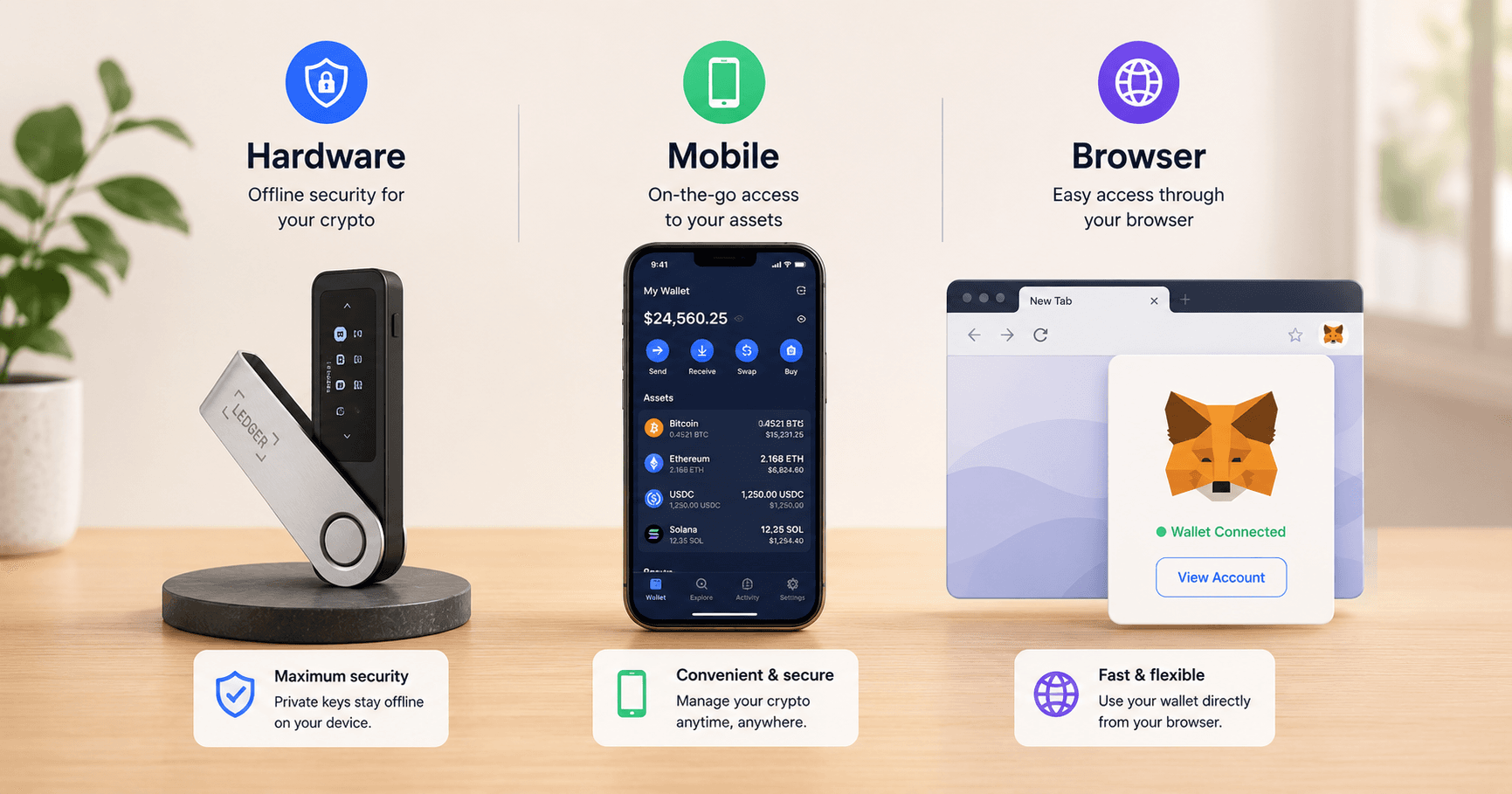
Illustration of hardware, mobile and browser crypto wallets

What is a crypto wallet really?

A wallet is a tool that manages your private keys and signs transactions. Coins themselves sit on blockchains as balances attached to addresses. When you "send" crypto, your wallet signs a transaction that tells the network to move value from one address to another.

This is why losing a recovery phrase or exposing private keys is fatal. Anyone who gets those keys can sign transactions as if they were you and empty the wallet. Everything in wallet security flows from that one fact.

Main wallet types and how they differ

Custodial vs self custody

  • Custodial wallets are exchange accounts. The company holds the keys and you log in with email and password.
  • Self custody wallets give you a recovery phrase or key file. You are responsible for security and backups.

Hot vs cold storage

  • Hot wallets stay connected to the internet. They are convenient for everyday use but exposed to more attack paths.
  • Cold wallets keep keys offline. They are slower to use but much safer for long term holdings.

Hardware vs software wallets

Hardware wallets

Hardware wallets are dedicated devices that store keys in secure chips and sign transactions on the device. Long term holders use them to keep keys off phones and laptops.

They are not perfect. Past incidents have shown data breaches and firmware bugs that affected users, which is why you should buy only from official sources and keep recovery phrases entirely offline. We have reviewed three hardware wallets in depth:

Software and mobile wallets

Software wallets run as apps on your phone or browser. Examples include MetaMask and mobile wallets such as SafePal. They are ideal for DeFi, NFTs and everyday on-chain activity but depend heavily on device security and app hygiene.

For many people, a simple pattern works: mobile wallet for small spending, hardware wallet for savings and exchange account for short term trading.
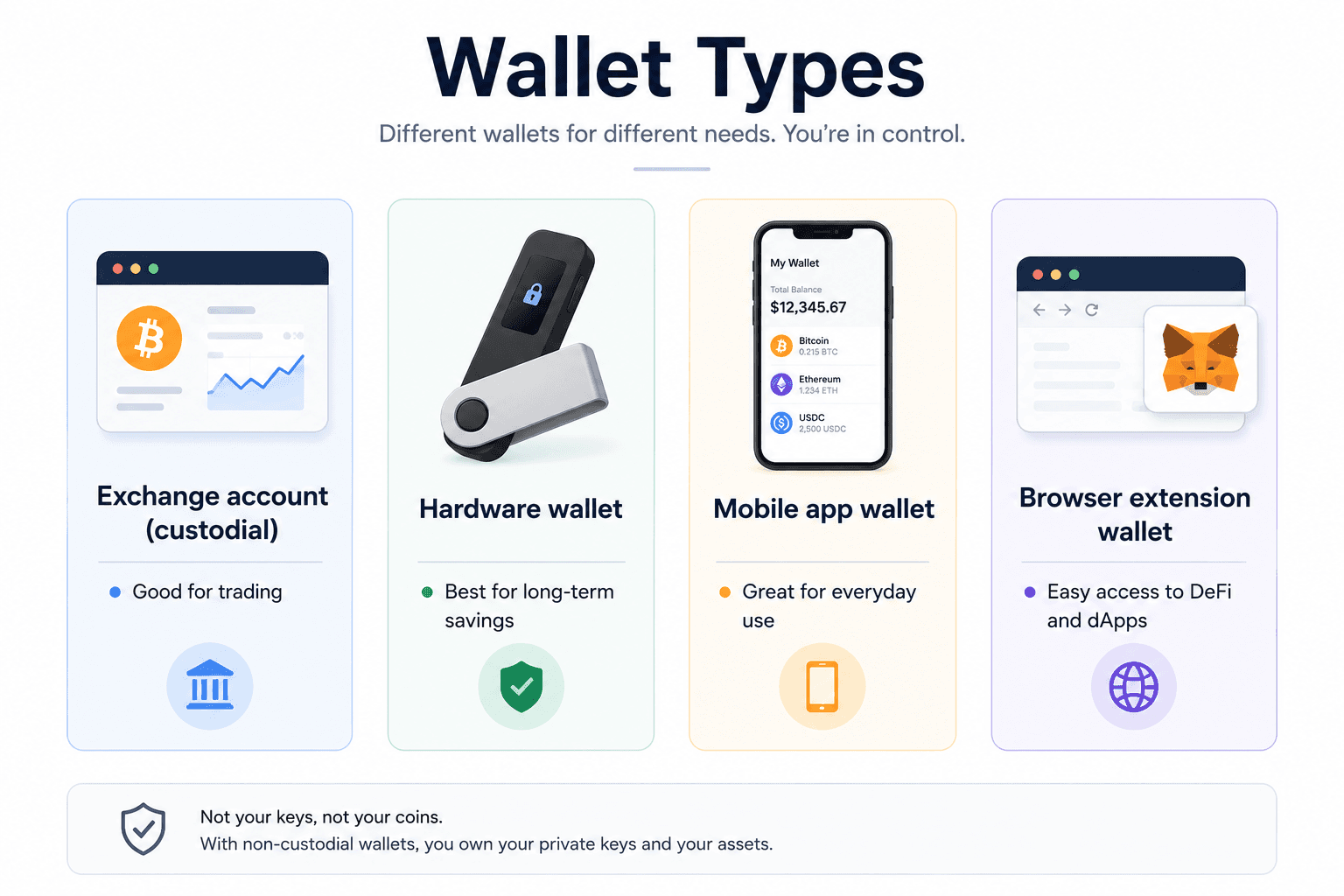
Diagram comparing exchange accounts, hardware wallets, mobile app wallets and browser wallets

Our hardware wallet reviews

Research-led reviews, updated October 2026. No scores, no hype: what each device does well, where it falls short, and who it suits. For the full comparison, see our best crypto wallets 2026 guide.

Two SafePal S1 hardware wallets showing the coin list screen and QR code scanner

Best value

SafePal S1

$49.99

The best value in air-gapped hardware wallets. True offline QR signing and an EAL6+ chip at a budget price, though the experience lives inside the SafePal app.

Read the full review
Prokey Optimum hardware wallet showing its secure element chip

Best open source

Prokey Optimum

$59

The budget open-source pick. $59, open firmware and hardware, browser-based workflow with no software installs, but Micro-B USB and a dated design.

Read the full review
SecuX Nifty hardware wallet box with the device, cable, and recovery sheet

Best for NFTs

SecuX Nifty

$199

The NFT-first hardware wallet. A 2.8-inch touchscreen shows your artwork and clear-signs every approval, but NFT support is limited to four chains.

Read the full review

Fun facts and real incident lessons

You can explore individual incidents on our security incidents timeline to see how different wallet and exchange failures unfolded.

Simple wallet plan for beginners

Trade on a reputable exchange with strong security, withdraw medium and long term holdings to a hardware wallet, and keep recovery phrases in offline backups.

Affiliate disclosure: these are affiliate links. We may earn a commission if you order through them, at no extra cost to you.

FAQ

Wallet questions, answered

Do crypto wallets actually store coins?

No. A wallet stores your private keys and signs transactions. The coins themselves live on the blockchain as balances attached to addresses. Whoever holds the keys can move the coins, which is why the recovery phrase matters more than the device or app.

What is the difference between a hot wallet and a cold wallet?

A hot wallet stays connected to the internet, like a phone app or browser extension: convenient for everyday use but exposed to more attack paths. A cold wallet keeps keys offline, typically on a hardware device: slower to use but much safer for long-term holdings.

Do beginners need a hardware wallet?

Not on day one. A sensible pattern is a reputable exchange account for short-term trading, a mobile wallet for small everyday amounts, and a hardware wallet for savings you would not want to lose. The hardware wallet becomes worth it once your holdings exceed what you would comfortably lose.

What is a recovery phrase, and how should I store it?

A recovery phrase is a list of 12 to 24 words generated by your wallet that can restore all your keys on any compatible device. Write it on paper or stamp it into metal, store it offline in a secure location, and never photograph it, type it into a website, or share it with anyone claiming to be support.

Is it safe to buy a hardware wallet from a marketplace?

Buy only from the manufacturer's official store or an authorized reseller. Counterfeit hardware wallets with preinstalled backdoors are a documented threat, and a marketplace discount is never worth the risk. When the device arrives, run the official authenticity check before generating a wallet.

What is the difference between custodial and self-custody?

Custodial means a company holds your keys, like an exchange account you access with email and password. Self-custody means you hold your own keys via a recovery phrase: nobody can freeze your funds, but nobody can recover them for you either. Most beginners start custodial and graduate to self-custody as their holdings grow.

Educational content only. Not financial or security advice. Think carefully about where you keep keys and what would happen if a device or backup failed.