 Visa, Mastercard
DogPay · Visa, Mastercard
DogPay Card
DogPay is a mobile app that turns crypto into spendable balance through Visa and Mastercard virtual and physical cards, plus a USD bank account. The standout detail is choice of card BIN region: Global, American, and Singapore BINs, which matters for acceptance and fee behavior across merchants. Membership tiers from free Basic to Ultra set card top-up fees, active card limits, and bank account opening costs. Identity verification is required for card issuance.
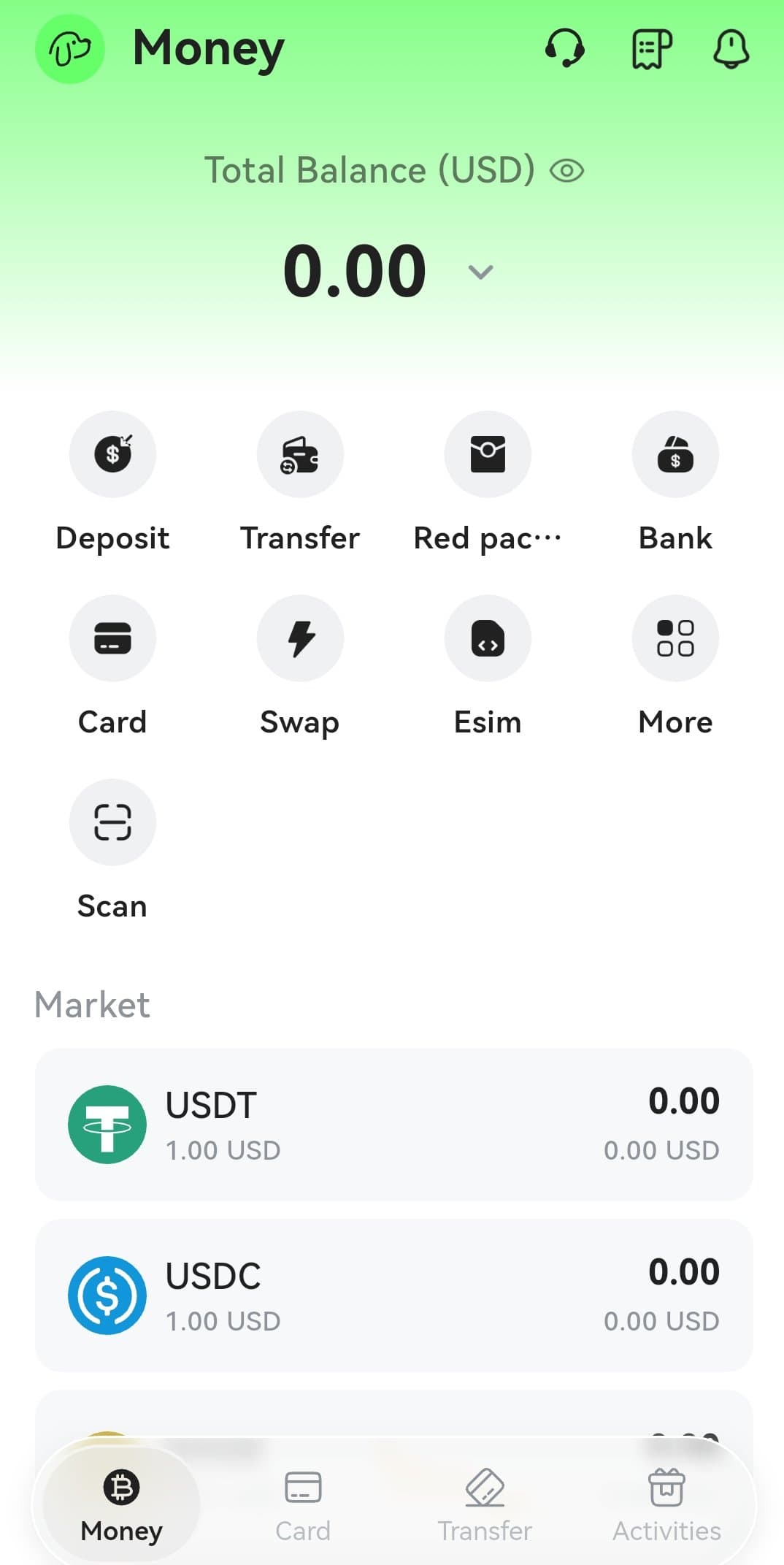
Published 25 August 2026 · facts checked 2026-10-16. Image: User-provided app capture, October 2026. Terms can change.
Affiliate disclosure: The highlighted check-card button may be a referral link. It does not change the editorial facts, guarantee approval, or make this a personal recommendation.
Product model
Prepaid · Debit
Availability
Available through the DogPay mobile app; eligibility and card shipping vary by country. Check the app before applying.
Card formats
Virtual · Physical
Verification
Identity verification required for card issuance.
What it is
The product in plain English
A crypto spending card with Global, American, and Singapore BIN options and tiered membership plans.
Best fit, not a ranking: Users who want multiple BIN region options and a USD account alongside crypto card spending.
Money movement
How the card is funded
Top up with USDT, USDC, DOGE, BTC, SOL, or ETH. Deposit networks include Ethereum, Tron, Solana, Base, Arbitrum, BSC, and Polygon. Supports Apple Pay and Google Pay; 3DS supported.
Rewards: No standalone cashback program is advertised; benefits scale with membership tier (lower top-up fees, more cards, cheaper bank account opening). Confirm current perks in the app.
Cost reality
Read beyond the headline
Virtual card issuance 10 USD. Membership: Basic free, Premium 4.90 USD/month, Platinum 9.90 USD/month, Ultra 29.80 USD/month. Card top-up fees: Basic 1%, Premium 0.8%, Platinum 0.5%, Ultra 0.3%. Max active cards: Basic 2, Premium 5, Platinum 10, Ultra 20. USD bank account opening fee: Premium 80 USD, Platinum 50 USD, Ultra free. Transaction fees vary by card BIN. Captured from the live app October 2026.
Caution: Card fees, BIN availability, and membership pricing are set inside the app and can change. KYC is required for card issuance.
Worked examples
What the fees look like on a real transaction
Line-by-line walkthroughs built from each card's published fee schedule. ATM operator surcharges and exchange-rate spreads can add costs on top.
Topping up $200 on the Basic plan
You top up $200 on the free Basic plan. DogPay charges a 1% card top-up fee on Basic (0.8% Premium, 0.5% Platinum, 0.3% Ultra).
- Top-up amount
- $200.00
- Top-up fee (1%)
- -$2.00
$198.00 lands on your card.
Based on DogPay published pricing: 1% top-up fee on the Basic plan.
Getting started
How people apply
Download the DogPay app, register with referral code 75490586, complete identity verification, and order a virtual or physical card.
What changed recently
Update trail
Membership tiers, top-up fees, and BIN availability are managed in the app; check current terms before signing up.
Last editorial check: 2026-10-16. CryptosBeginner does not automatically guarantee that provider pages remain unchanged after this date.
Potential upsides
What stands out
Virtual option is listed by the provider
Visa, Mastercard payment rail is described on the source page
Official source and fee links are included
Potential trade-offs
What to verify
Eligibility depends on residence and provider approval
The headline fee or reward may not cover every charge
Current terms should be checked before funding or applying
Before you apply
Five checks that prevent bad comparisons
01
Country
Confirm the product is actually available at your address.
02
Funding
Know whether you spend cash, converted crypto, or borrowed value.
03
Fees
Look for spreads, FX, ATM, top-up, and subscription charges.
04
Issuer
The brand on the card may not be the legal issuer.
05
Tax
Spending crypto can create tax consequences in some jurisdictions.
FAQs
Questions readers ask before applying
What does DogPay Card cost?+
Virtual card issuance 10 USD. Membership: Basic free, Premium 4.90 USD/month, Platinum 9.90 USD/month, Ultra 29.80 USD/month. Card top-up fees: Basic 1%, Premium 0.8%, Platinum 0.5%, Ultra 0.3%. Max active cards: Basic 2, Premium 5, Platinum 10, Ultra 20. USD bank account opening fee: Premium 80 USD, Platinum 50 USD, Ultra free. Transaction fees vary by card BIN. Captured from the live app October 2026. Provider fees and regional terms can change, so use the linked fee details before applying.
How is DogPay Card funded?+
Top up with USDT, USDC, DOGE, BTC, SOL, or ETH. Deposit networks include Ethereum, Tron, Solana, Base, Arbitrum, BSC, and Polygon. Supports Apple Pay and Google Pay; 3DS supported.
Where is DogPay Card available?+
Available through the DogPay mobile app; eligibility and card shipping vary by country. Check the app before applying.
Why is DogPay Card featured in this directory?+
DogPay Card is featured because its published product model and current provider information give readers a useful starting point for assessing its stated audience, fees, funding route, and eligibility. This page also includes a clearly disclosed referral link; using it is optional and does not guarantee approval, pricing, rewards, security, availability, or suitability.