How do I log in to PrimeXBT?
Open PrimeXBT's official site, click Sign In, enter your registered email and password, complete the 2FA code if enabled, and submit. If you registered with Google, use the Continue with Google option instead.
Updated 8 October 2026 · By Alex Rivera · Reviewed for CryptosBeginner
Logging in to PrimeXBT is quick, but a wrong click on a phishing link or a lost 2FA app can turn it into a headache. This guide covers the sign-in steps, Google login, two-factor codes, password resets, and fixes for the most common login problems.
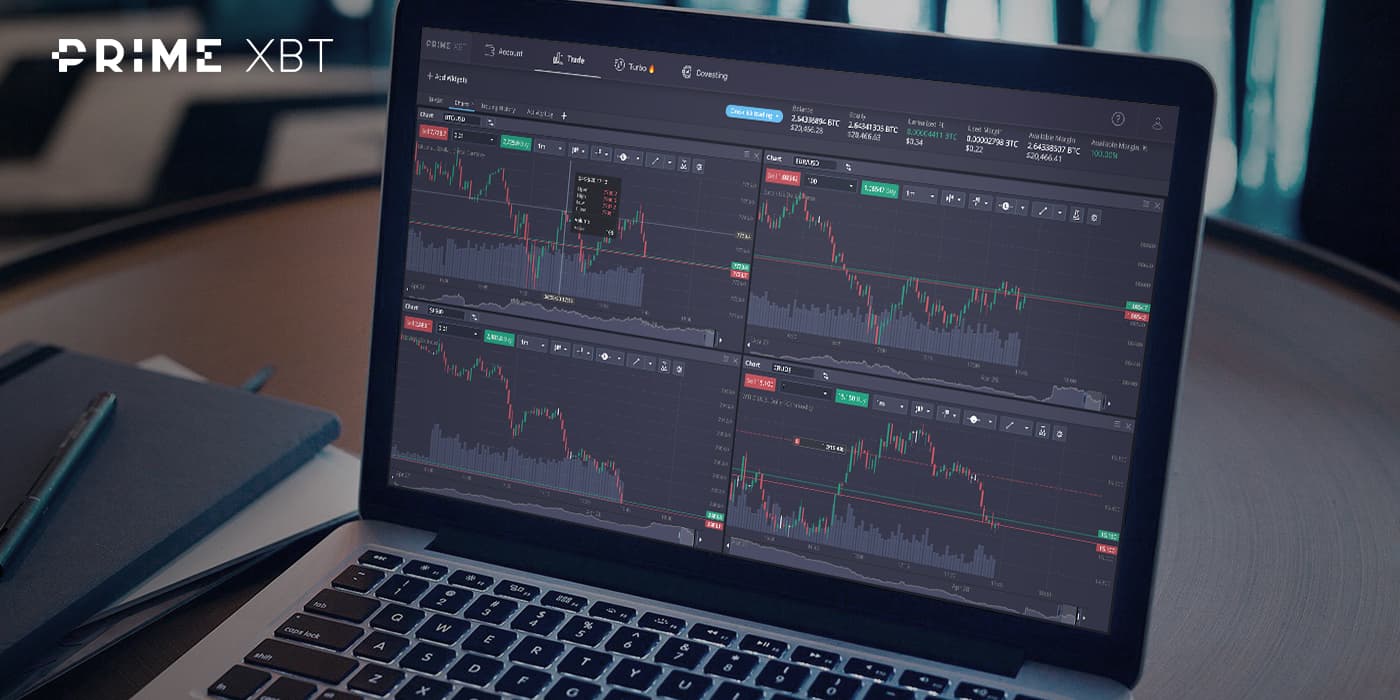
Type the PrimeXBT address yourself or use a bookmark you saved earlier, rather than clicking links from emails or messages. Fake login pages that harvest credentials are one of the most common crypto scams.
The Sign In button sits in the top-right corner of the homepage. Clicking it opens the login form.
Type the email address you registered with and your password. If you signed up using Google, choose Continue with Google instead and complete the Google flow.
If two-factor authentication is enabled, you will be asked for the 6-digit code from your authenticator app. Open the app, read the current code, and enter it before it expires. Then click Sign In to reach your dashboard.
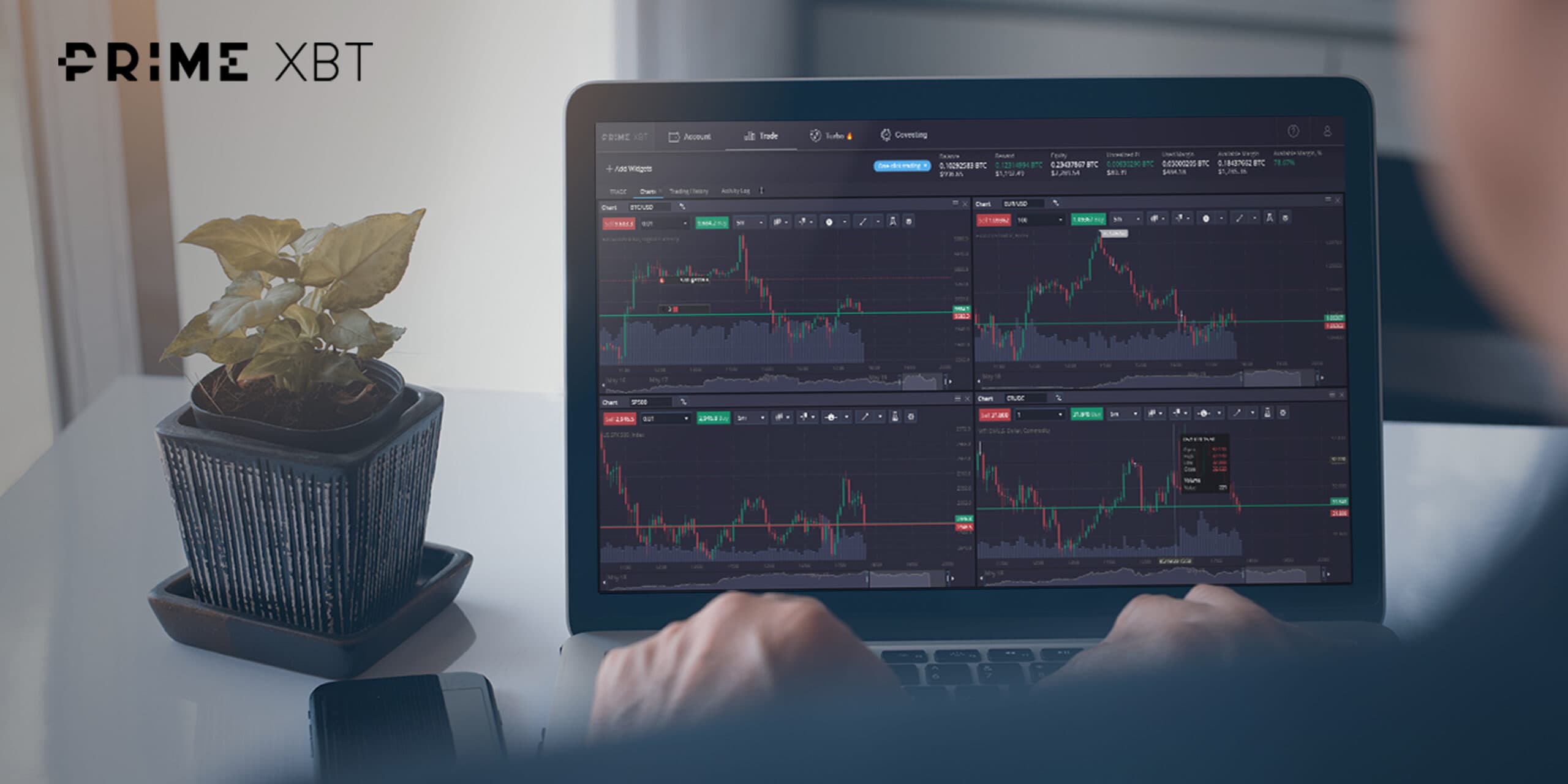
2FA adds a second check after your password: a short-lived code generated on your phone. Even if someone steals your password, they cannot log in without that code. Use an authenticator app rather than SMS when you have the choice, because SMS codes can be intercepted through SIM-swap attacks.
Do this once: when you enable 2FA, PrimeXBT shows backup or recovery codes. Save them offline, on paper in a safe place. If your phone is lost or reset, those codes are the fastest way back into your account.
Below the Sign In button you will find a Forgot your password link. Click it, enter the email address you registered with, and check your inbox for reset instructions. Follow the link in the email to set a new password.
Choose a new password that is unique to PrimeXBT and store it in a password manager. If you do not receive the reset email, check spam and promotions folders, confirm the address matches your registration, and request another email before contacting support.
If none of this works, PrimeXBT's support team is available around the clock through live chat and email. Have your registered email address ready so they can identify the account.
Open PrimeXBT's official site, click Sign In, enter your registered email and password, complete the 2FA code if enabled, and submit. If you registered with Google, use the Continue with Google option instead.
Click the Forgot your password link below the Sign In button, enter your registered email, and follow the reset instructions sent to your inbox. Create a new unique password you have not used anywhere else.
Without your authenticator codes you will need to go through PrimeXBT's account recovery process, which usually requires identity verification. This is why saving your 2FA backup codes at setup time matters so much.
Repeated failed login attempts can trigger a temporary lock as a security measure. Wait for the cooldown period, then try again carefully. If the lock persists, contact PrimeXBT's 24/7 live chat support.
You can log in from more than one device, but for security it is better to sign out of devices you do not control and to review active sessions in your account settings regularly.
Avoid it when you can. Public networks make credential theft easier. If you must, make sure 2FA is enabled, never save the password in a shared browser, and log out when finished.
The full review covers fees, leverage, regulation, restricted countries, and platform tools, so you know what you are logging in to.
Read the PrimeXBT reviewThis page was reviewed on 8 October 2026. Login flows and security options can change. Check the current provider pages before relying on any specific step.
Disclaimer: Educational content only. This page is not financial, investment, legal, or tax advice. Cryptocurrency, CFDs, futures, and leveraged products can result in rapid or total loss of capital. Availability depends on your jurisdiction. Some links are affiliate links. Verify live terms, fees, legal disclosures, restrictions, and product conditions on PrimeXBT's official website before logging in or depositing funds.