Updated 15 October 2026 · By Alex Rivera · Reviewed for CryptosBeginner
Avici Card Review 2026: Fees, Countries & Is It Worth It?
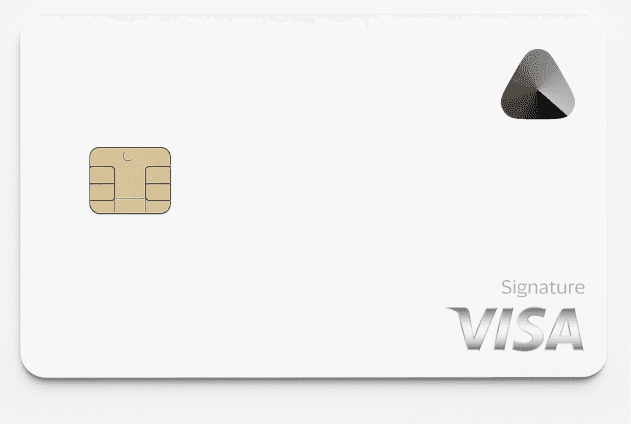
The Avici Card is a secured Visa credit card with a twist: you lock USDC in a smart contract you own, and Avici gives you a matching credit line at 0% APR. No selling your crypto, no custodian holding your keys. I read the actual card terms and the official docs so you get real numbers, not marketing promises. Here is the full picture.
Alex Rivera · Crypto researcher, CryptosBeginner
Every review is research-led: specs, fees, and availability are checked against official sources before publication and re-checked on every update. Affiliate links never influence verdicts. Last reviewed 15 October 2026.
The short version
- A secured credit card, not a debit card. You lock USDC as collateral and get a matching USD credit line.
- Self-custodial. Your wallet owns the escrow smart contract. Avici cannot move your funds except to settle what you spent.
- 0% APR on purchases. No interest charges at the time of writing, per the official card terms.
- Honest card prices. Virtual from $15 one-time, physical from $50 one-time. No monthly fee on Platinum tiers.
- 50+ countries. Including Pakistan, UAE, and much of LatAm, Africa, and Asia. India, China, Russia, and Turkey are excluded.
- No cashback. The pitch is custody and 0% APR, not rewards.
What the Avici Card is
Most crypto cards are debit cards: you top up, they convert, you spend. Avici does it differently. It is a secured credit card on the Visa network. You deposit USDC into a Loan Escrow smart contract, Avici creates a matching USD credit balance, and you spend against that credit line. Your crypto is never sold to fund a purchase; it sits as collateral backing your spending.
The key word is self-custodial. The escrow contract is owned by your own wallet, not by Avici. Avici and the card issuer, Third National, can only settle the exact amounts you charged. They cannot move, freeze, or rehypothecate your collateral for any other purpose. That is a meaningful difference from custodial cards where your top-up sits on someone else's balance sheet.
The card program runs under license from Visa, and the official card terms were last updated on 20 June 2025. Everything below comes from those terms and Avici's official docs, verified in October 2026.
How the collateral works
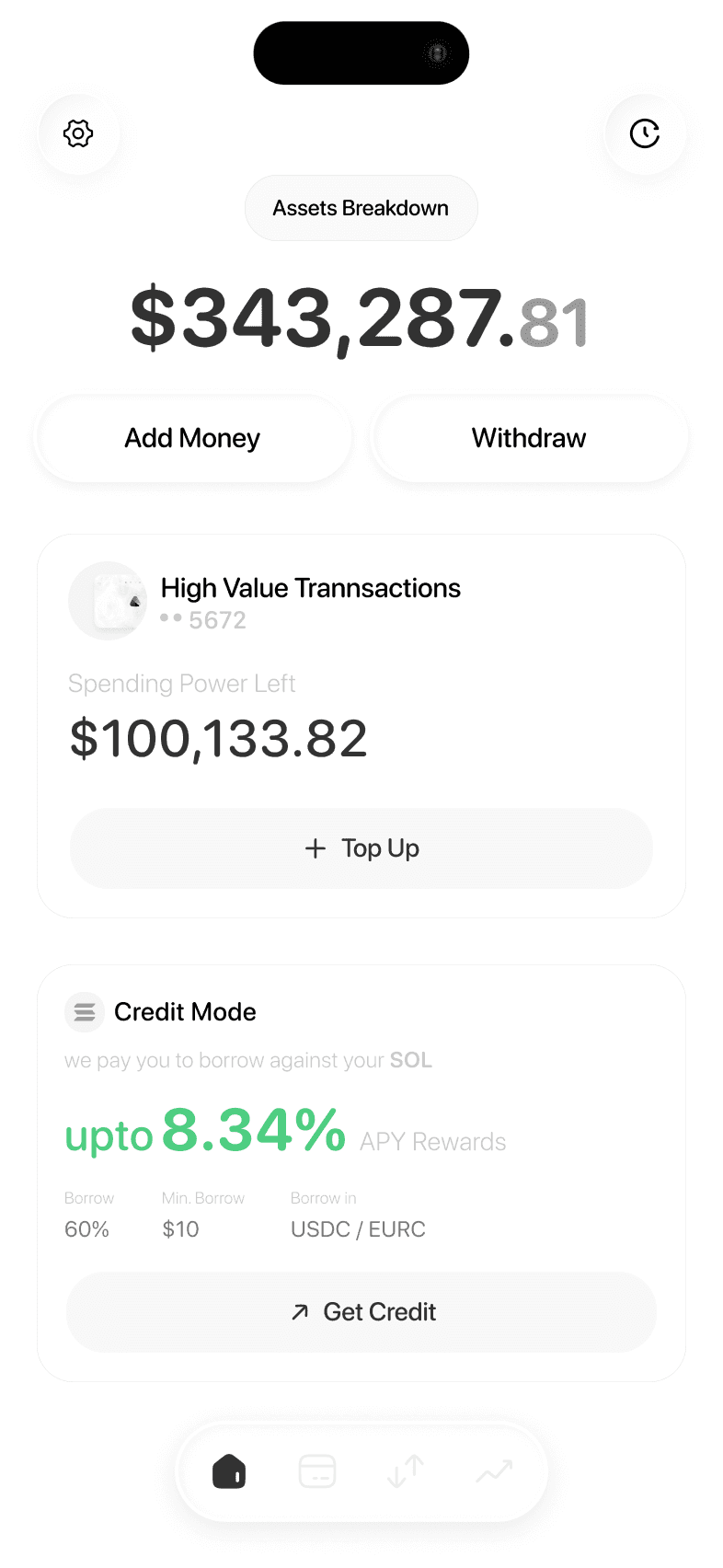
Here is the mechanics in plain English. You connect your wallet and deposit USDC into the escrow contract on Ethereum, Polygon, Optimism, or Arbitrum. Avici reads the USD value of that collateral and sets your spending limit to match. Deposit $1,000 in USDC, get roughly $1,000 in spending power.
When you tap the card at a shop, the purchase draws down your credit balance, and the contract settles only that amount. The rest of your collateral stays untouched in your contract. Top up more USDC any time to raise your limit.
The part to understand is liquidation. If the market value of your collateral drops below your outstanding charges and you do not add more, a liquidation event can occur: Avici or the issuer may liquidate enough collateral to cover what you owe. With USDC collateral this is unlikely to move much, but it is not impossible, and the terms give them the right. Keep a buffer.
How to sign up
Signup starts on the Avici website or in the app. You will need a wallet to connect for the collateral contract later, but the account itself begins with the usual details.
- Click the Avici link on this page to open the official signup.
- Create your Avici account with your email and follow the onboarding steps.
- Download the Avici app and log in.
- Complete identity verification before you can order any card (next section).
How to complete verification
Direct answer first: Avici requires identity verification, and every applicant must attest that they are not a US citizen. The card is not available to US persons, full stop. Do not try to work around this; the attestation is part of the binding card terms.
- In the app, start the identity verification flow.
- Provide a government-issued ID and complete the liveness or selfie check.
- Confirm the non-US-citizen attestation when asked.
- Wait for approval. You cannot order a card or open the escrow contract until verification passes.
How to fund with USDC
Funding means depositing USDC into your escrow contract. This is the step that sets your spending limit, so it deserves care.
- Connect your wallet in the Avici app (Ethereum, Polygon, Optimism, or Arbitrum).
- Open the escrow or collateral section and choose deposit.
- Send USDC to the contract address shown. Start with a small test amount the first time.
- Once confirmed, your spending limit updates to reflect the collateral value.
- Add more USDC any time to raise the limit. Withdraw excess collateral when you have no outstanding charges.
Remember the network you use affects gas costs, not Avici's fees. Avici charges no gas fee itself per the terms, but the underlying blockchain does. Polygon or Arbitrum will cost you cents; Ethereum mainnet can cost dollars.
Card options and prices
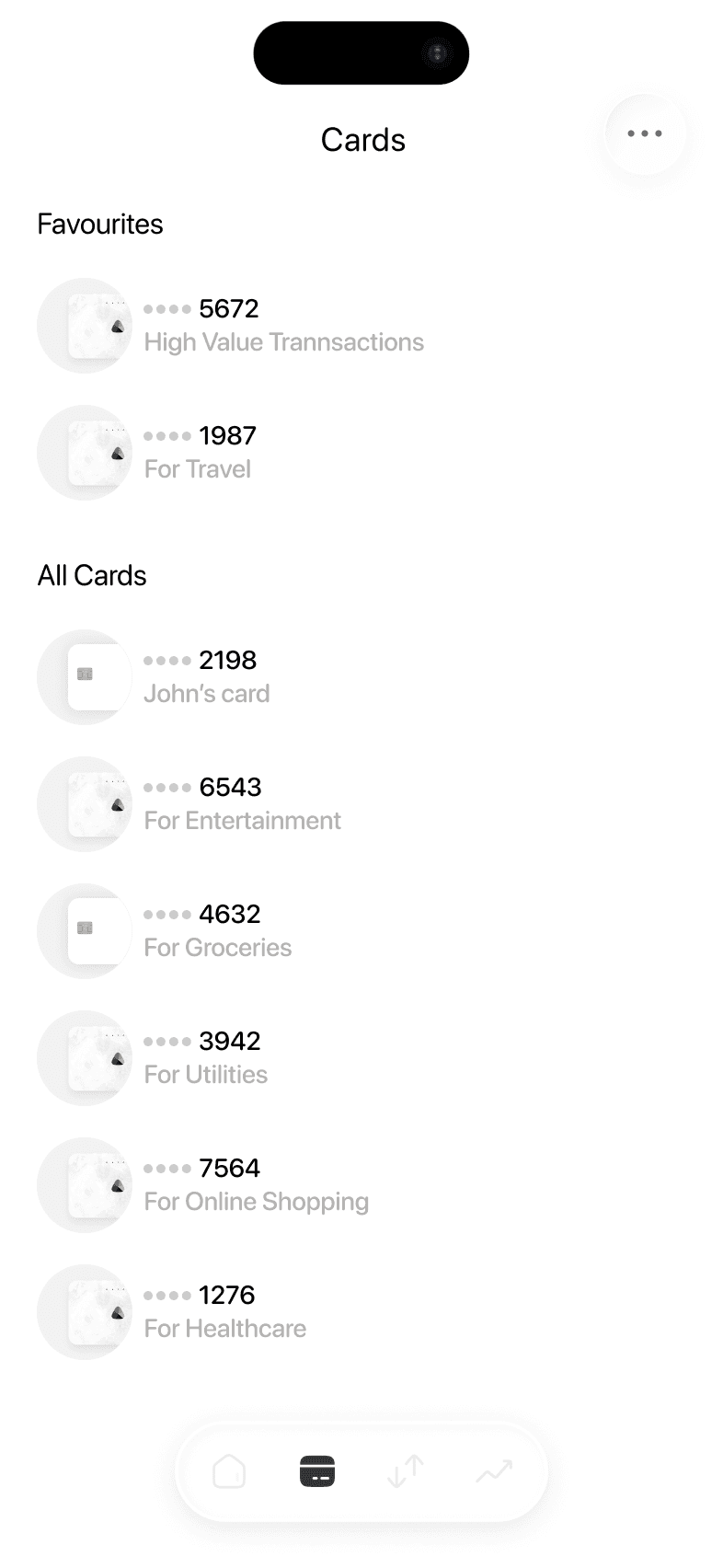
Avici offers virtual and physical cards in two tiers, Platinum and Signature. Prices come straight from the official docs fee page, verified October 2026.
| Card | Price |
|---|---|
| Virtual Platinum, first card | $15 one-time |
| Virtual Platinum, additional cards | $10 one-time, no recurring |
| Virtual Signature | $30 first year, then $20/year |
| Physical Platinum | $50 one-time, no recurring |
| Physical Signature | $75, then $20/year from second year |
| Physical delivery (untracked) | Free, 3 to 4 weeks |
| Physical delivery (priority, tracked) | $50 international, $15 US, 1 to 2 weeks |
The Platinum virtual at $15 one-time with no recurring charges is the sensible starting point. Only consider Signature if you specifically want its tier benefits, and only buy the physical card if you need in-store taps and ATM access.
How to spend with Avici
Spending works like any Visa credit card. Tap, insert, or pay online wherever Visa is accepted. The merchant is paid in fiat, and your credit balance is drawn down by the purchase amount. Avici advertises tap-to-pay through Apple Pay and Google Pay for offline shopping; confirm in the app that it is live for your card and region.
On costs: transaction fees are $0 and the forex markup is 0%. The honest footnote is that Visa itself may charge a small 0.4% to 1% cross-border fee on non-USD transactions, which is standard across Visa cards and outside Avici's control. The card terms list maximums of up to 3% foreign exchange fee (currently 1%) and up to 3% cross-border fee (currently 0%), so the real-world cost today is low.
ATM withdrawals
Only the physical card works at ATMs. Platinum withdrawals cost $1 plus 0.65% per transaction, with a $1,000 per-transaction limit, $3,000 per day, and 3 transactions per day. Signature cardholders pay $0 in ATM fees. Declined ATM transactions are not charged, unlike some competitors.
Like most crypto cards, Avici is better as a spending card than a cash machine. The ATM fees are reasonable but the limits are modest, so plan accordingly.
Full fee table (verified October 2026)
Every figure below comes from Avici's official card terms (last updated 20 June 2025) and the official docs fee page, checked in October 2026. Terms can change; confirm in the app before you apply.
| Item | Fee |
|---|---|
| APR on purchases | 0% |
| Transaction fee | $0 |
| Forex markup | 0% (Visa may charge 0.4-1% cross-border on non-USD) |
| Foreign exchange fee (max / current) | Up to 3% / currently 1% |
| Cross-border fee (max / current) | Up to 3% / currently 0% |
| ATM withdrawal, Platinum | $1 + 0.65% per withdrawal |
| ATM withdrawal, Signature | $0 |
| ATM limits | $1,000/txn, $3,000/day, 3 txns/day |
| Late payment | $0 to $40 |
| Returned payment | Up to $29 |
| Liquidation penalty | Up to $35 (not currently applied) |
| Cashback | None advertised |
Where it is available
Avici publishes an authorized-countries list and reserves the right to change it. At the time of writing it covers 50+ countries, including Pakistan, the UAE, Argentina, Brazil, Mexico, the Philippines, South Africa, Singapore, Australia, Japan, Egypt, and selected US states. That is a genuinely broad list for a crypto card.
The prohibited list matters just as much: residents of India, mainland China, Russia, Turkey, Iran, Belarus, Cuba, North Korea, Syria, Ukraine, Venezuela, Vietnam, and several others cannot get the card. And to repeat the big one: US citizens must attest to non-US status. If that describes you, stop here.
Jurisdictions not mentioned on either list may still be restricted. Check the current list on Avici's docs before you apply, because it changes.
Pros and cons
Pros
- Self-custodial: your wallet owns the collateral contract
- 0% APR on purchases at the time of writing
- $0 transaction fees, 0% forex markup
- Virtual card from $15 one-time, no recurring fee on Platinum
- 50+ supported countries
- Spend without selling your crypto
Cons
- No cashback or rewards of any kind
- Not available to US citizens, India, China, Russia, Turkey, and others
- Liquidation risk if collateral value drops below charges
- Physical card costs $50 to $75
- Young product; terms give Avici broad rights to change the deal
- Full KYC required, never anonymous
Risks you should know
Liquidation risk. This is the one unique to Avici. Your spending limit tracks your collateral value. If that value falls below what you owe and you do not top up, they can liquidate collateral to cover it. With USDC this is a tail risk, not a daily worry, but understand it before you lock up funds.
Smart contract risk. Self-custody removes the custodian but not the code risk. The escrow contract is only as safe as its code and the chain it runs on. This is true of all DeFi, but it applies here too.
Tax. Spending against crypto collateral can have tax consequences depending on your jurisdiction, and liquidation events even more so. Talk to a tax professional before making this your daily card.
Terms can change. The card terms explicitly reserve Avici's and the issuer's right to amend terms, add fees, or change the country list at any time. Today's 0% APR and today's country list are not promises about tomorrow.
Verdict
The Avici Card is the most interesting secured crypto card I have reviewed: real self-custody, 0% APR, honest card prices, and a 50+ country list. If you hold USDC and want to spend without selling, and you live in a supported country that is not the US, it is genuinely worth a look. Start with the $15 virtual Platinum and see how it fits your life.
The honest caveats: no cashback, liquidation risk is real even if unlikely with USDC, the product is young, and the excluded country list is long. If you want rewards, look at cashback cards instead. If you are in the US, India, or Turkey, this card is not for you.
Avici Card questions
Is the Avici Card legit and safe?
Avici is a real operating company with published card terms (last updated 20 June 2025) and a card program issued by Third National under license from Visa. The self-custodial design means Avici and the issuer cannot move your collateral except to settle your card charges. That said, it is a young product in a fast-moving space: only keep spending money in the collateral contract, never your life savings.
What does the Avici Card cost?
The virtual Platinum card costs $15 for the first card ($10 for each additional card, no recurring charges). The virtual Signature costs $30 for the first year, then $20 per year. The physical Platinum costs $50 one-time, and the physical Signature costs $75 plus $20 per year from the second year. Transaction fees are $0, forex markup is 0% (Visa may charge 0.4-1% cross-border on non-USD), and APR on purchases is currently 0%. ATM withdrawals on Platinum cost $1 + 0.65% per withdrawal; Signature has $0 ATM fees. Figures verified October 2026 from Avici's official docs.
Where is the Avici Card available?
Avici publishes an authorized-countries list covering 50+ countries, including Pakistan, UAE, Argentina, Brazil, Mexico, Philippines, South Africa, Singapore, Australia, Japan, and selected US states. It is NOT available to residents of India, China, Russia, Turkey, Iran, and several others on the prohibited list. US citizens must attest to non-US status when applying. The list can change at Avici's discretion, so check it before applying.
How does the Avici Card collateral work?
You deposit USDC into a self-custodial Loan Escrow smart contract on Ethereum, Polygon, Optimism, or Arbitrum. Your own wallet owns the contract. Avici creates a matching USD credit balance, and your spending limit equals the USD value of your collateral. When you spend, only the spent amount is settled from collateral. If your collateral value drops below your outstanding charges and you do not top up, a liquidation event can occur.
Does the Avici Card require KYC?
Yes. Identity verification is required before you can get a card, and applicants must attest that they are not US citizens. There is no anonymous route.
Does the Avici Card offer cashback?
No. Avici does not advertise any cashback or rewards program in its official terms or docs. The pitch is 0% APR and self-custody, not rewards.
Can I use the Avici Card with Apple Pay or Google Pay?
Avici's homepage shows tap-to-pay by adding the card to Apple Pay or Google Pay for offline shopping. Confirm in the app whether this is live for your card type and region.