Before you start
Use a dedicated low-balance wallet and only an amount you can lose completely. The video narrator’s filter thresholds, wave theory, return targets, and low-fee scam conclusions are heuristics or promotional commentary, not universal rules.
Video reference: GMGN.ai
The video shows a GMGN discovery-to-analysis workflow. Feature availability, defaults, and fees can change; verify the current official documentation before signing.
Open the original video on YouTube ↗Step 1: Form a research queue in Trenches
Start in Trenches or Trending. The supplied videos show token cards with age, market cap, liquidity, volume, transactions, total fees, and network selectors. Use filters to reduce noise, not to turn a candidate into a recommendation.
Step 2: Open the token detail page
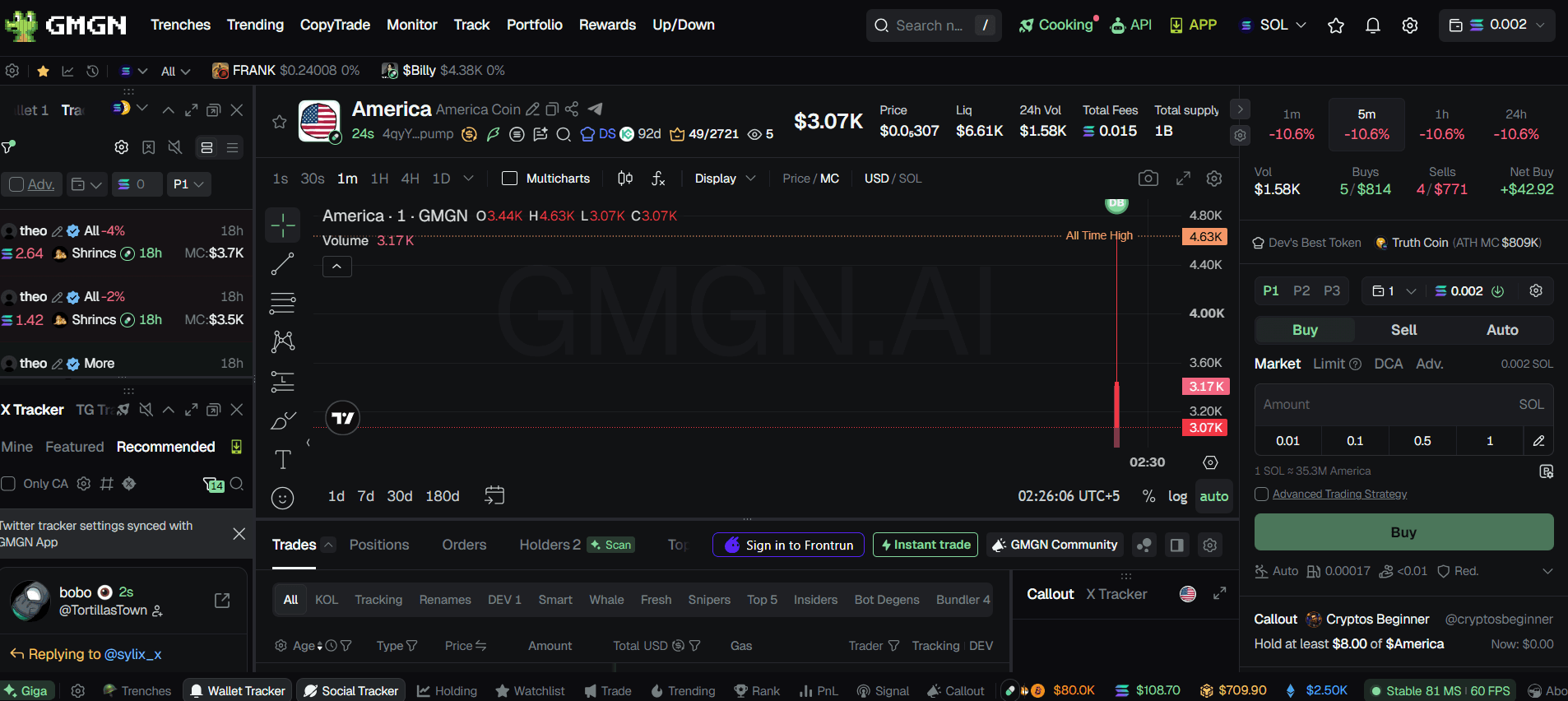
Review the chart, candles, timeframes, volume, and RSI as context. Support and resistance drawings or a Fibonacci tool can describe a plan, but they cannot predict a low-liquidity market.
Step 3: Investigate holders and developer history
Open Holders, Basic Data, Token Audit, bubble maps, and developer-history views where available. Look for concentration, shared or time-linked funding, repeated launches, and sellability questions. A label is a prompt for investigation, not a verdict.
Step 4: Review execution settings
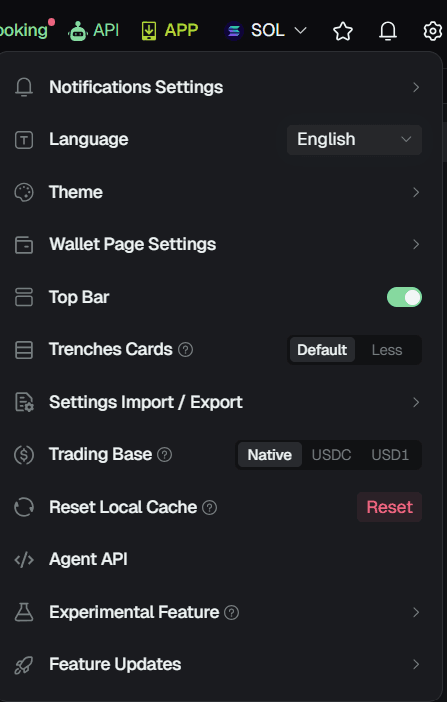
Before signing, check Market, Limit, DCA, Auto, wallet presets, amount, slippage, priority fee, tip, and Anti-MEV settings. The official GMGN documentation states a 1% handling fee per single transaction; network and execution costs remain separate.
Step 5: Write the exit rule first
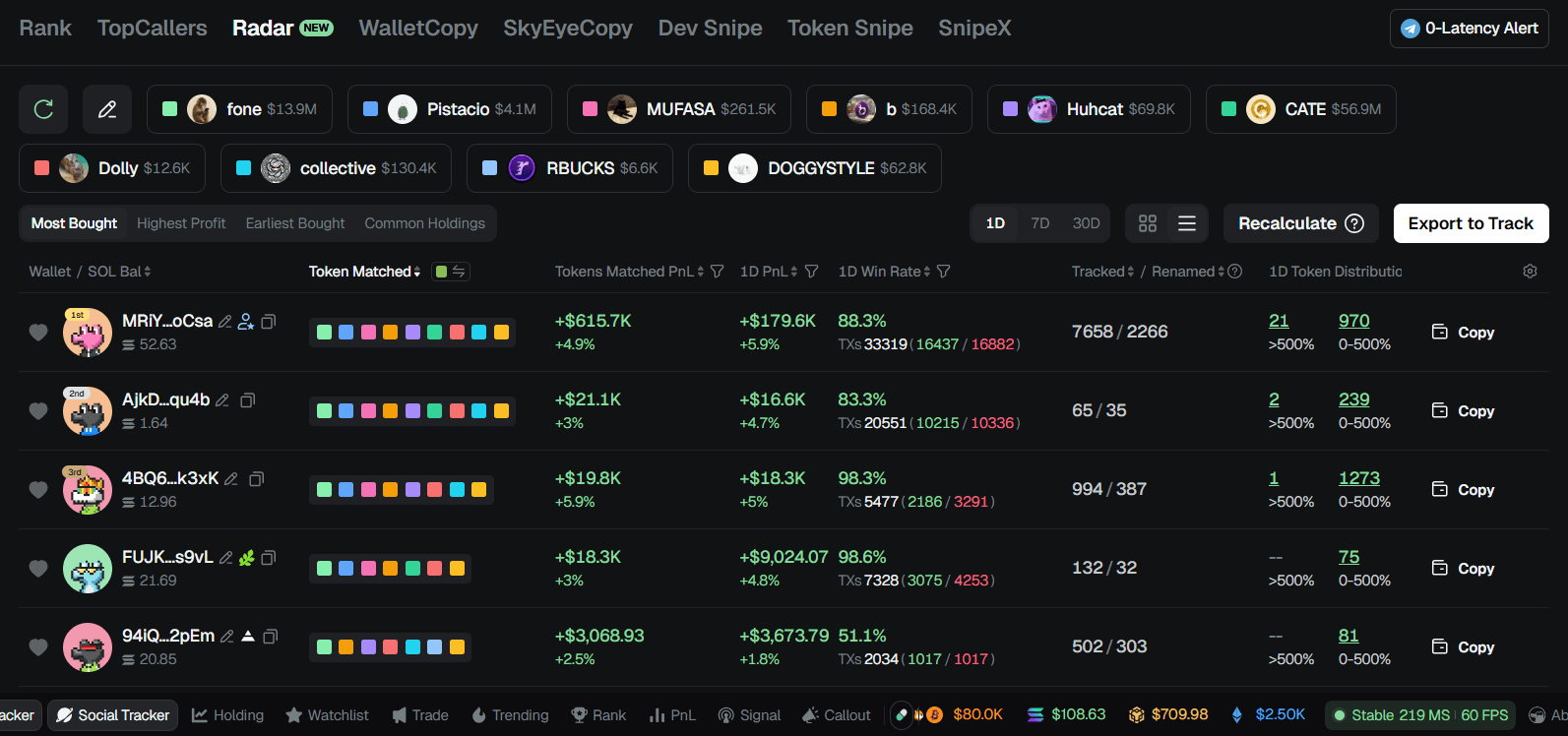
Define the maximum exposure, invalidation point, and first exit action before the chart moves. Do not copy a wallet simply because its displayed P&L is positive. Latency, timing mismatch, selection bias, and liquidity can make results materially different.
Disclosed partner link
CryptosBeginner may earn a commission if you use this link. It does not change the editorial assessment, comparison order, fees, or risk discussion.
Open GMGN through the partner link ↗Related CryptosBeginner pages
Continue with the surrounding research and safety resources: