Before you start
FOMO’s public product page and terms should be checked for current availability, restrictions, wallet recovery, and fees. The supplied video is a feature demonstration, not independent proof of the platform’s safety or of any trader’s results.
Video reference: FOMO
The video demonstrates social discovery, trader profiles, alerts, and Buy/Sell controls. Treat follower counts, thesis posts, and P&L as historical context.
Open the original video on YouTube ↗Step 1: Use Trending and Leaderboard as a queue
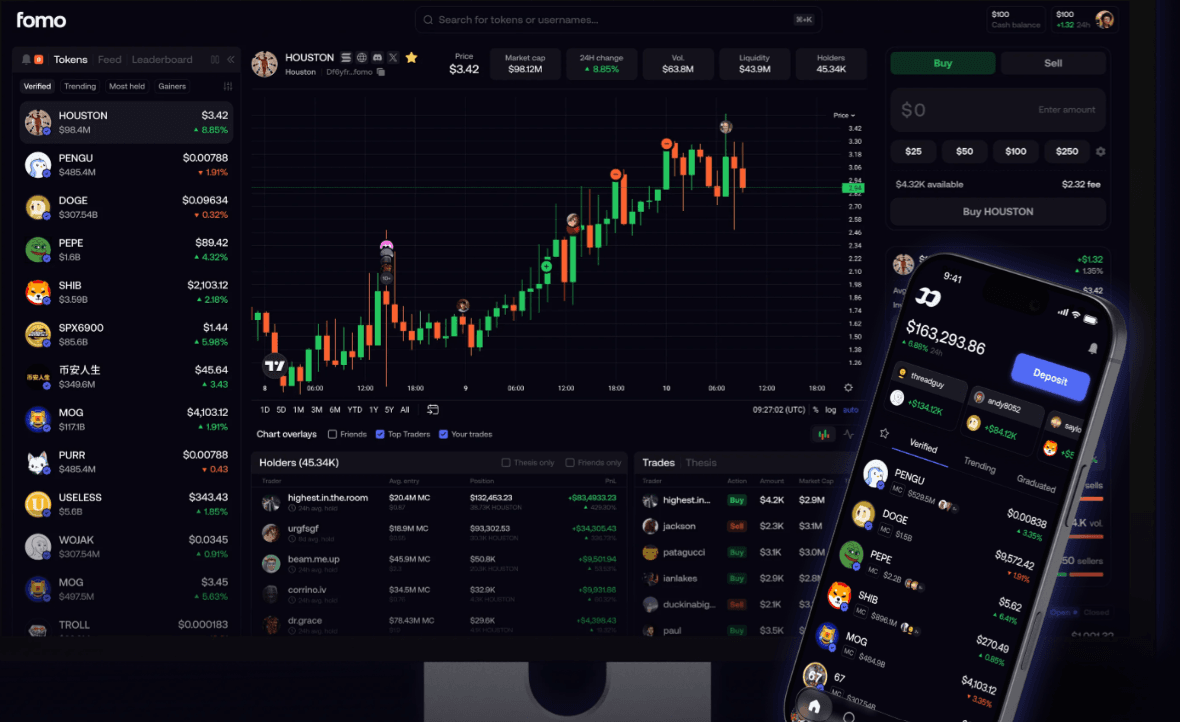
Start with Trending, the Leaderboard, or Alerts. The supplied video shows trader profiles with average entry, investment, transactions, P&L, and hold time. These values help you ask questions; they do not tell you whether the next trade will work.
Step 2: Read the Thesis, Holders, and Swaps views
Use Thesis posts, Holders, and Swaps to understand what is being discussed and who appears to have entered. The video warns that some traders may farm followers. Never treat a popular profile as an independent verification source.
Step 3: Check permissions and restrictions
Review the current FOMO terms, wallet model, supported jurisdiction, and signing prompts. FOMO’s terms state that its wallet is non-custodial through third-party wallet infrastructure and that restricted-jurisdiction rules apply. Do not use a VPN or other mechanism to circumvent restrictions.
Step 4: Execute only after independent verification
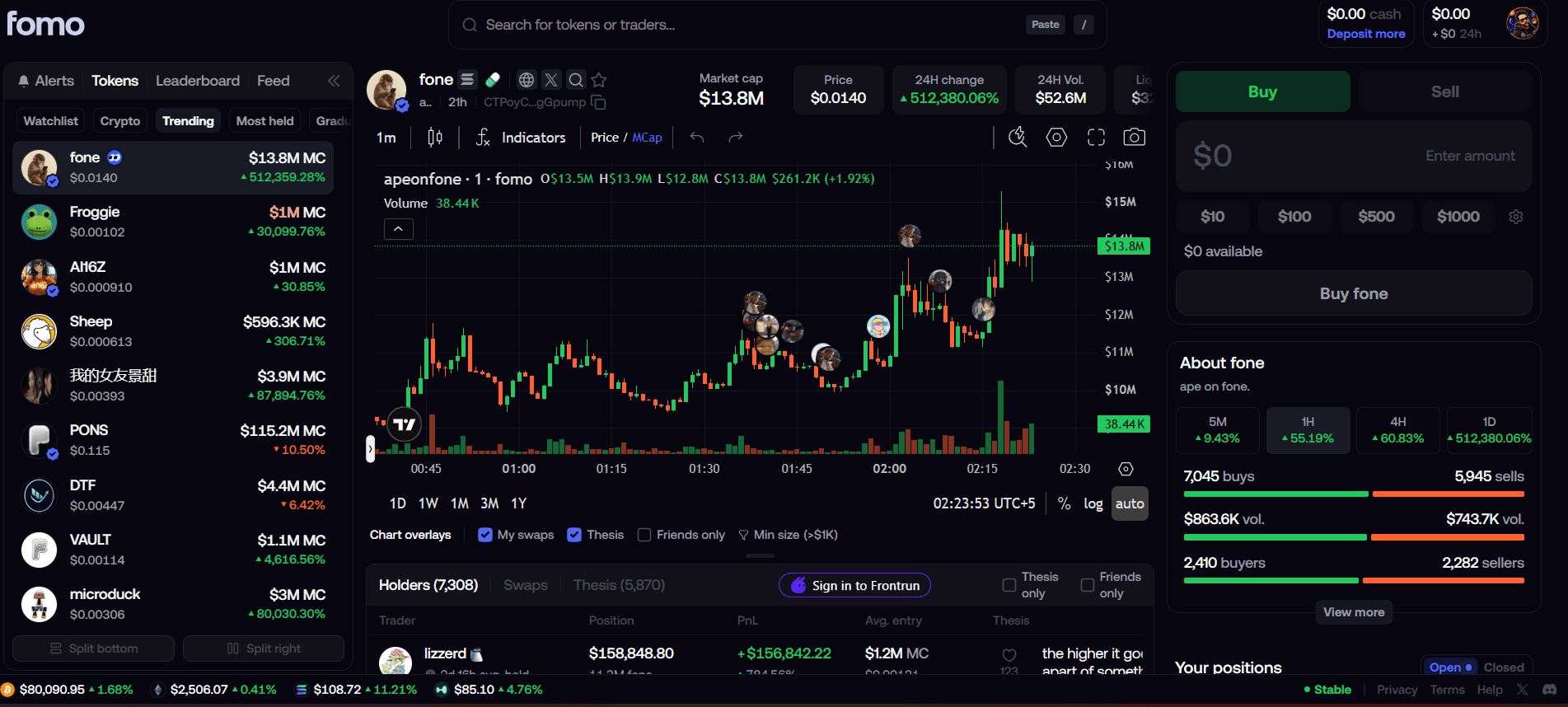
Verify the contract, holder concentration, liquidity, sellability, and route outside the social feed. The video’s visible “0% fee” label is not an all-in cost statement; gas, route, spread, slippage, and other costs require separate review.
Disclosed partner link
CryptosBeginner may earn a commission if you use this link. It does not change the editorial assessment, comparison order, fees, or risk discussion.
Explore FOMO through the partner link ↗Related CryptosBeginner pages
Continue with the surrounding research and safety resources: