Updated 8 October 2026 · By Alex Rivera · Reviewed for CryptosBeginner
PrimeXBT Trading Guide: How to Place Your First Trade in 2026
Trading on PrimeXBT means choosing between crypto futures and CFD markets, understanding the order panel, and using leverage with care. This guide walks you through the full sequence, from account setup to your first order, with the risk habits that keep beginners alive.
Affiliate disclosure: Some links on this page are affiliate links, including PrimeXBT links. CryptosBeginner may earn a commission if you register through one. This does not change our assessment criteria or conclusions. This page is educational content, not financial advice.
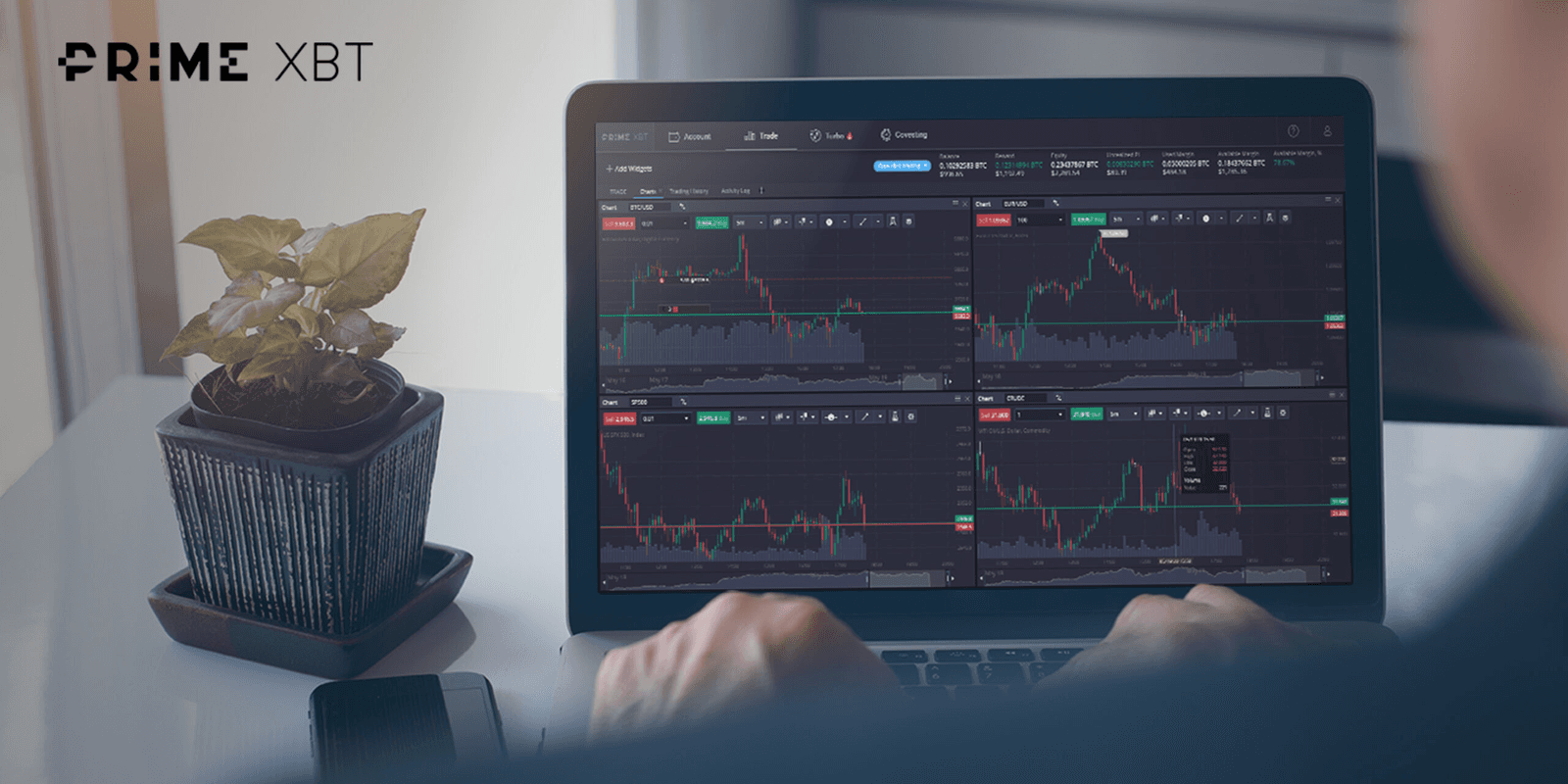
The PrimeXBT trading terminal. Learn the order panel on the demo account before risking real funds.
TL;DR: the short version
Two trading interfaces: crypto futures for perpetual-style crypto contracts, PXTrader for forex, indices, commodity, and share CFDs.
Setup sequence: register, secure your account with 2FA, fund it, then practice on the demo account.
Every trade needs three things: an entry plan, a stop loss, and a position size you can afford to lose.
Leverage is a magnifier, not a shortcut. Start low, or skip it entirely while learning.
Check costs first: read our PrimeXBT fees guide before you trade, because spreads, funding, and order type all change what a trade costs.
Before any trade, you need a funded, secured account. The sequence is simple: register with an email address, turn on two-factor authentication, then add funds. You can deposit crypto directly or use third-party providers for cards and bank transfers.
If any of these steps are new to you, work through our companion guides first: the PrimeXBT deposit guide covers funding methods, and the KYC guide explains verification. After funding, open the demo account and complete at least a few practice trades. The demo uses virtual funds but the same interface, so mistakes there cost nothing.
PXTrader vs crypto futures: pick the right arena
PrimeXBT runs two trading environments, and beginners often mix them up. Crypto futures are perpetual-style contracts on digital assets like BTC and ETH, settled in crypto.PXTrader is the CFD platform for traditional markets: forex pairs, stock indices, commodities like gold and oil, and individual shares.
The practical difference is what you are trading and how it is priced. Crypto futures use a maker/taker fee model with funding charged several times a day. CFD markets on PXTrader are priced mainly through the spread, with overnight financing on positions held past the funding time. Wallets, margin currencies, and available leverage also differ, so confirm the conditions for your chosen interface on the live Fees & Conditions page.
Choose your market and direction. Open the instrument you have researched, for example BTC/USDT on crypto futures. Decide in advance whether you are going long (expecting the price to rise) or short (expecting it to fall), and write down why. If you cannot explain the trade in one sentence, skip it.
Set your position size. Decide how much of your account you are willing to lose if the trade fails. A common beginner rule is risking no more than 1 to 2 percent of the account on a single trade. Size the position from the stop loss, not from gut feeling.
Pick an order type. A market order fills immediately at the current price. A limit order waits for your price and usually costs less in fees. Beginners learning the ropes often prefer limit orders, because they enforce patience.
Set leverage deliberately. Lower is safer. The platform may offer up to 200x on crypto futures, but that is a maximum, not a target. Start with 1x to 3x while learning, and understand that liquidation gets closer as leverage rises.
Attach a stop loss and take profit. Place the stop loss at the price where your trade idea is proven wrong, and a take profit where you will bank gains. Setting both before entry removes the hardest decision, what to do when emotions run high.
Review and confirm. Check the order panel: direction, size, leverage, estimated liquidation price, and fees. Then submit. After the fill, monitor the position but avoid moving the stop loss further away, which defeats its purpose.
Practice first: run this entire sequence on the demo account at least five times. You want the order panel to feel boring and familiar before real money is involved.
Order types explained
Order type
What it does
When to use it
Market
Fills immediately at the best available price
When getting in or out fast matters more than price
Limit
Fills only at your price or better
Planned entries and exits; usually cheaper fees
Stop market / stop limit
Triggers when price crosses your stop level
Stop losses and breakout entries
Take profit
Closes the position at your target price
Locking in gains without watching the screen
The exact order menu varies by interface and market. Check the live platform for conditional and combined order options on your instrument.
Leverage and margin: the part that liquidates beginners
Leverage lets you control a larger position with less capital. At 10x, a 10 percent move against you wipes the margin. At 100x, a 1 percent move does it. The liquidation price shown in the order panel is the line where the platform closes your position automatically, and fees and funding can push you toward it faster than the raw math suggests.
A sane beginner approach: trade spot-style with 1x while learning, add small leverage only after a track record of disciplined demo trades, and always know your liquidation price before you click confirm. Leverage multiplies outcomes in both directions, and the losing direction is the one beginners meet first.
Beginner mistakes to avoid
Trading without a stop loss. Hope is not a risk plan. Every leveraged position needs a predefined exit.
Oversizing after a win. A lucky streak makes the next trade feel safe. Keep risk per trade fixed regardless of recent results.
Ignoring funding and spreads. A cheap-looking entry can bleed through overnight funding on multi-day holds. See our fees guide for the full cost picture.
Moving the stop loss away. Widening a stop mid-trade turns a planned small loss into an unplanned big one.
Copying strangers blindly. If you follow other traders, understand how it works first. Our copy trading guide explains the mechanics and the risks.
Frequently asked questions
How do I place my first trade on PrimeXBT?
Register, fund your account, and choose a trading interface: crypto futures for perpetual contracts or PXTrader for CFD markets. Open the instrument, set your order type and size, add a stop loss and take profit, then confirm. Start on the demo account before risking real funds.
What is the difference between PXTrader and crypto futures on PrimeXBT?
Crypto futures are perpetual-style contracts on digital assets, settled in crypto. PXTrader is PrimeXBT's CFD platform covering forex, indices, commodities, and shares, where you trade price movements without owning the underlying asset. Fees, leverage, and funding differ between the two.
What order types does PrimeXBT offer?
The standard set includes market orders for immediate execution, limit orders that wait for your price, and stop orders used for stop losses and take profits. Conditional and OCO-style combinations are available on supported interfaces. Check the live platform, because the exact order menu varies by market.
How much leverage can I use on PrimeXBT?
PrimeXBT has advertised leverage up to 200x on crypto futures and up to 1000x on some forex CFDs. Treat those as maximums, not recommendations. Higher leverage shrinks your liquidation distance dramatically, so beginners should start with very low leverage or none at all. Confirm current limits on the live page.
Does PrimeXBT have a demo account for practice?
Yes. PrimeXBT offers a demo environment where you can practice with virtual funds. It is the safest place to learn the order panel, test leverage settings, and build a routine before depositing real money.
Can I lose more than I deposit on PrimeXBT?
Leveraged trading can produce losses that exceed your initial margin in extreme market conditions, depending on the product and account protections in force. Use stop losses, keep position sizes small, and never trade money you cannot afford to lose.
Continue with the full review
Trading mechanics are one chapter. The full review covers leverage limits, regulation, restricted countries, fees, and who should skip PrimeXBT entirely.
This page was reviewed on 8 October 2026. Trading interfaces, order types, leverage limits, and fee schedules can change. Check the current provider terms before trading.
Disclaimer: Educational content only. This page is not financial, investment, legal, or tax advice. Cryptocurrency, CFDs, futures, and leveraged products can result in rapid or total loss of capital. Availability depends on your jurisdiction. Some links are affiliate links. Verify live terms, fees, legal disclosures, restrictions, and product conditions on PrimeXBT's official website before depositing funds.